LRS Connect improves guest and staff communications
Informed customers or guests that receive timely communications will love the improved guest experience, involving fast service, great communications, service levels enhancements, end even more attentive staff. LRS Connect application uses digital multiple waitlists, paging or text messaging while at the same time collecting important data for easy analysis either within Connect or from downloaded data that can show real performance information based on real data.
LRS has developed the Connect system even further with the use of text or SMS messaging from the application to the customer or guest. And recent new technology text pagers that can handle messaging to customers directly to pager if budgets are tight. Benefits includes start to finish communications that reduce queues, enhances service levels, improves table turns, enhance overall performance and improve customer experience in ways that might be difficult to achieve with other methods..
Waitlist Control
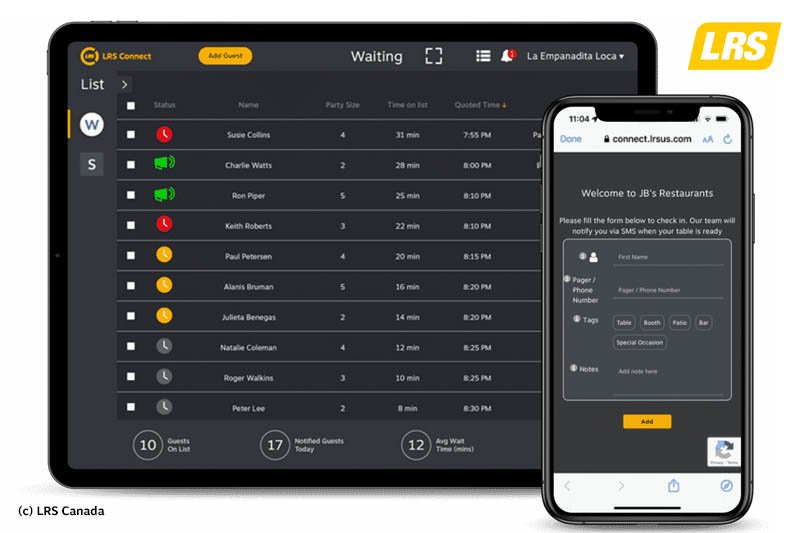
Use waitlists to add staff and guests so that you can achieve total control and see exactly the current wait state within the business

Improve Communication
Ensure guests are kept informed and staff receive the information they need instantly at the press of a button. Simple to upgrade from current LRS paging systems.

Monitor Performance from Data
With real time data information and historical collected data it's simple to learn the typical performance statistics of the business.

Varied Messaging Notifications
Contact customers and staff through multiple methods from the LRS Connect screen standard or custom messaging.

Multi-device Use
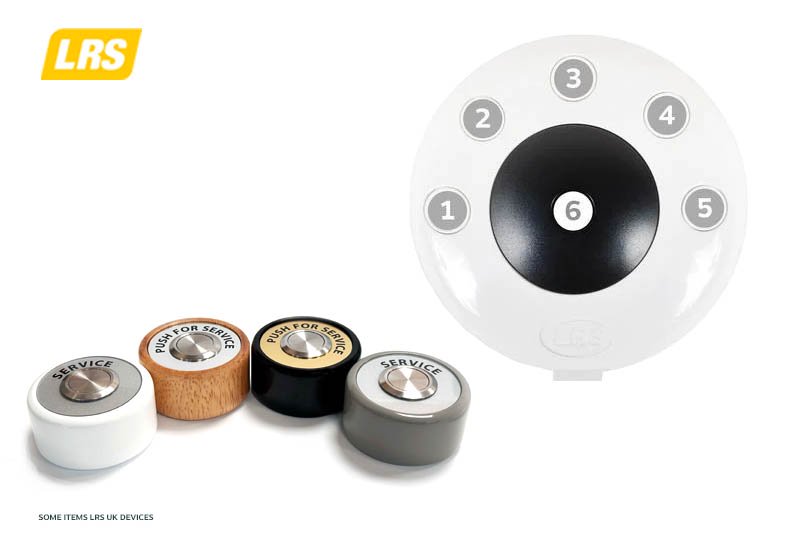
Flexible communication platforms supported include SMS, paging, text messaging, mobile phone and more. Enable guest call buttons that can operate through connect giving customers and staff the ability to use what is most convenient for them.

Track Real Time Performance
The on-screen real time performance dashboard is extremely useful to see exactly how performance is being delivered at any time. Data is collected for export and later assessment. API's are available too.

Use Multiple Waitlists
Create waitlists for staff, for guests - in fact you can create as many waitlists as you need. Staff or guests can be moved between waitlists easily. Track customer flow and throughput in data too.

Simple Interface Reduces Confusion
The Connect interface is so easy to use, you can be up and running in less than 1 hour. Create advisory wait times for guests and notify staff when assigning work tasks.

Automatic Timers - Run on Autopilot!
Automatic countdown timers can be turned on or off, but when on and the guest reaches the allocated time they can be automatically notified instantly. Reduce 'overs' of wait time and improve efficiency.

Status with Colour Codes
Colour is used extensively in the waitlists to notify staff about whether over time, approaching specified time or are new on the waitlist. Just click to view the information all in real time.
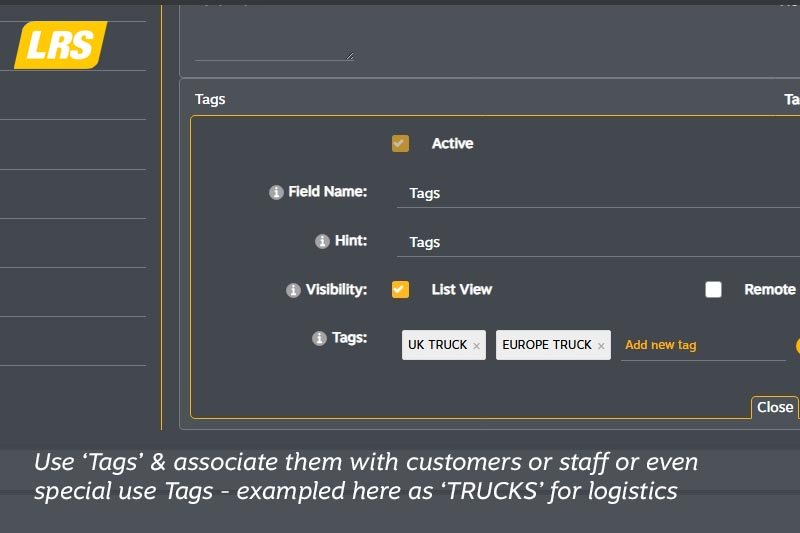
Use Tags
Create 'Tags' and associate them with staff or guests. In the case shown Tags show either UK Trucks or EU Trucks for logistics, but a Tag can be for almost any task. Enhance overall efficiency.

Collect Important Operation Data
Stored and current data can be analysed to provide many key metrics and operation insight to use for management information rather than anecdotal guesses.